
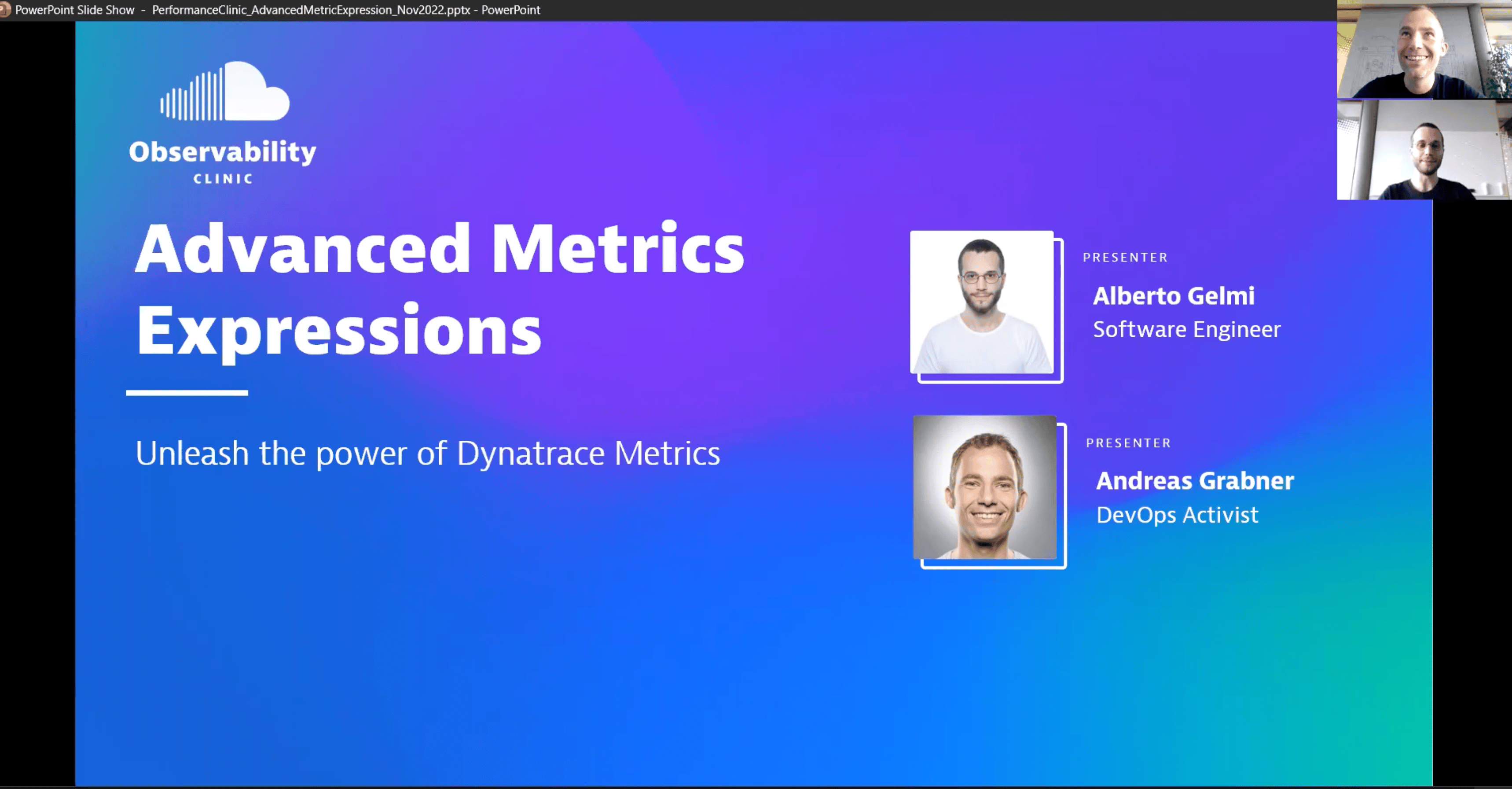
Advanced Metrics Expressions – Unleash the power of Dynatrace Metrics
#Dynatrace provides metrics expressions to get answers to simple and complex questions you have on your observed metrics. Metrics expressions are used to define your dashboards or extract data from Dynatrace through the Metrics API.
In this observability clinic, we have Alberto Gelmi, Software Engineer at Dynatrace, who walks us through the latest improvements he and his team implemented in the past months. He starts with a recap on what makes a metric and then walks us through some of the new transformations, such as providing default values for non-existing metric values, advanced folding, or bucketing your data using the partition transformation.
If you want to try Dynatrace yourself, sign up for a SaaS-based Trial: https://bit.ly/dtsaastrial
If you want to learn more about Metrics Expressions, follow some of the links discussed:
Observability Clinic on Metrics Expressions with Dynatrace: https://www.youtube.com/watch?v=jkVyJn1HdkM
Metrics Selector Documentation: https://dynatr.ac/3uhBteq
Metrics Expression Best Practices: https://dynatr.ac/3udTiLt
Metrics FAQ: https://dynatr.ac/3imJCeJ
Chapter List:
00:00 – Introduction
00:54 - What you'll learn today
01:54 – Metrics recap
03:21 – Metric selector recap
05:19 – What's new with Metrics Expressions
06:08 – Default operator
12:03 – Fold operator
15:39 – Partition operator
18:50 – Live DEMO
28:21 – Additional Resources
28:28 – Additional examples
Subscribe to our channel → https://dynatr.ac/subscribeYT
Stay up-to-date with Dynatrace! Follow us on:
Facebook → https://facebook.com/dynatrace
Instagram → https://instagram.com/dynatrace
LinkedIn → https://linkedin.com/company/dynatrace
Twitter → https://twitter.com/dynatrace
Twitch → https://twitch.tv/dynatrace
Have a question about our platform? Visit our Dynatrace Community to connect with our experts and users → https://dynatr.ac/3FYfPB3
In this observability clinic, we have Alberto Gelmi, Software Engineer at Dynatrace, who walks us through the latest improvements he and his team implemented in the past months. He starts with a recap on what makes a metric and then walks us through some of the new transformations, such as providing default values for non-existing metric values, advanced folding, or bucketing your data using the partition transformation.
If you want to try Dynatrace yourself, sign up for a SaaS-based Trial: https://bit.ly/dtsaastrial
If you want to learn more about Metrics Expressions, follow some of the links discussed:
Observability Clinic on Metrics Expressions with Dynatrace: https://www.youtube.com/watch?v=jkVyJn1HdkM
Metrics Selector Documentation: https://dynatr.ac/3uhBteq
Metrics Expression Best Practices: https://dynatr.ac/3udTiLt
Metrics FAQ: https://dynatr.ac/3imJCeJ
Chapter List:
00:00 – Introduction
00:54 - What you'll learn today
01:54 – Metrics recap
03:21 – Metric selector recap
05:19 – What's new with Metrics Expressions
06:08 – Default operator
12:03 – Fold operator
15:39 – Partition operator
18:50 – Live DEMO
28:21 – Additional Resources
28:28 – Additional examples
Subscribe to our channel → https://dynatr.ac/subscribeYT
Stay up-to-date with Dynatrace! Follow us on:
Facebook → https://facebook.com/dynatrace
Instagram → https://instagram.com/dynatrace
LinkedIn → https://linkedin.com/company/dynatrace
Twitter → https://twitter.com/dynatrace
Twitch → https://twitch.tv/dynatrace
Have a question about our platform? Visit our Dynatrace Community to connect with our experts and users → https://dynatr.ac/3FYfPB3